
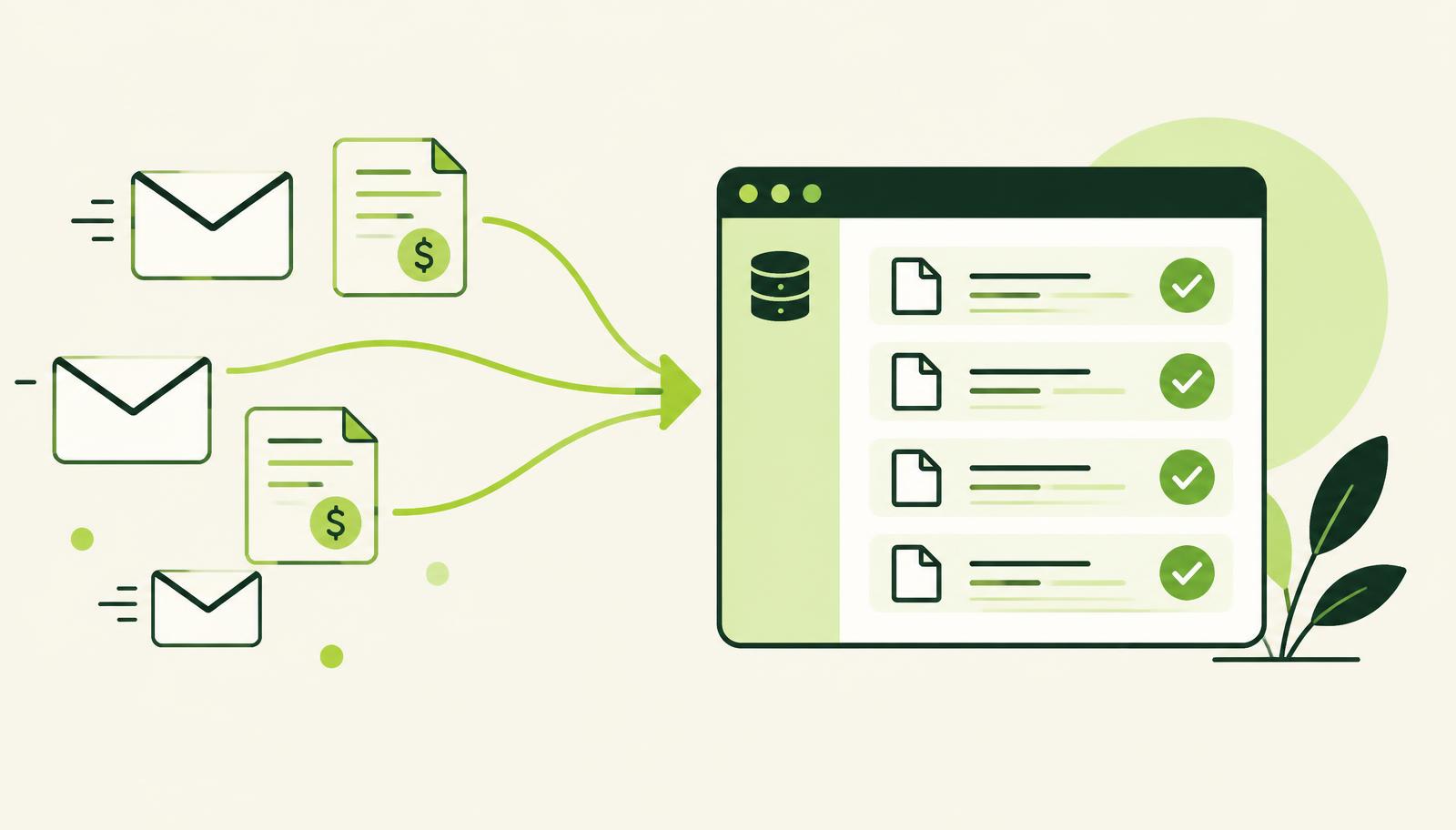
Accounts payable does not lose time because people do not know how to post an invoice. Time is lost between receiving the document, checking the vendor, matching it to a purchase order, sending it for approval and waiting for someone to confirm the cost. Automatic incoming invoice processing removes exactly those manual breaks — but only if the process is designed so that automation never skips financial control.
For companies running Microsoft Dynamics 365 Business Central, the goal is not just to get a PDF or an e-invoice into the system. The goal is for the document to get a vendor, G/L accounts, dimensions, a link to purchasing, a responsible person and a verifiable approval record — before it becomes a liability to be paid.
What automatic invoice processing actually solves
In many companies incoming invoices arrive in several places: as structured e-invoices, as PDFs by e-mail, on paper with the goods or through vendor portals. Staff then download the document, retype the key data into the ERP, check whether a purchase order exists and forward it to colleagues for approval. Each step looks simple until it is repeated several hundred times a month.
The consequences go beyond slower posting. Manual entry increases the risk of a wrong VAT ID, a duplicate document, a wrong due date and an unsuitable expense account. An even bigger problem arises when finance cannot quickly answer who approved an invoice, which project the cost belongs to and whether the document has already been scheduled for payment.
A well-designed invoice intake turns that chain of messages, attachments and verbal confirmations into a controlled workflow. The system picks up the document, recognises the data, proposes the posting based on rules and history, and the responsible people approve exceptions or confirm the cost within their authority. Automation speeds up the routine, while people keep the decision where it carries financial weight.
From receipt to posting in Business Central
Invoices may arrive as structured e-invoices or as attachments in a shared mailbox, but the business process must not end in a separate inbox or portal. The finance team needs to see the same document in Business Central, together with its processing status, the vendor link and the documents that belong to the purchase.
A typical flow has several connected stages:
- The system regularly picks up incoming e-invoices, PDF invoices and related attachments from the agreed sources.
- The invoice is registered in Business Central as a document for processing, with number, date, due date, amounts, VAT data and vendor details.
- Recognition rules match the vendor to the vendor card. If the match is not reliable enough, the document is flagged for review instead of being posted automatically.
- The system tries to match the invoice to a purchase order, a goods receipt or a contract. Any deviation in quantity, price or amount is shown clearly to the responsible person.
- Based on the type of cost and historical patterns, the G/L account, dimensions, project, department or cost centre are proposed.
- The document goes through approval, and only after approval does it become ready for posting and inclusion in the payment run.
Receiving an invoice and deciding to accept it should be treated as connected but separate steps. Receipt only gets the document into the system; the ERP must document the business and financial check: were the goods actually received, was the service delivered, is the cost within budget and who takes responsibility for it.
Why PDF processing is not the same as a structured e-invoice
PDF invoices and scanned documents are still common, especially for certain cost types, foreign vendors and supporting documents. Document-reading technology can extract the invoice number, date, total amount, tax rates and lines. AI helps when layouts vary or when a line description has to be matched to the internal chart of accounts — this is exactly what Holy Document Capture does inside Business Central.
Still, the result of reading a document is a proposal, not proof that the posting is correct. A poor scan, a changed invoice layout or a vendor with a similar name can lead to wrong recognition. That is why the process needs a confidence threshold: high-confidence data can be filled in automatically, while unclear cases are routed to review.
Structured e-invoices, on the other hand, rely on machine-readable data. They are more reliable for capturing the mandatory fields, but even then they do not automatically solve account coding, dimensions, cost allocation or approval. The best result comes from using both approaches according to the type of document.
Controls automation must never skip
Standard Business Central can register an incoming invoice, but without a tailored process it often does not provide the complete intake flow, status tracking, documentation and internal controls that finance expects. Generic document entry is not the same as an operationally controlled intake.
Key controls should be built in before posting. Duplicate checks must compare vendor, document number, date and amount, and finance should be able to see why a document was flagged. Price and quantity tolerances must differ for goods, services and prepayment invoices. Cost allocation must support several dimensions when one invoice belongs, for example, to different projects or departments.
Approval is just as important. A department head should not receive just an e-mail with an attachment, but a task with clear context: vendor, amount, purchase order, goods receipt, planned budget and previous comments. When they approve or reject the document, the decision stays recorded with the invoice. That makes internal control, audits and disputes with purchasing much easier.
| Area | Manual intake | Automated flow in the ERP |
|---|---|---|
| Data entry | Retyping from the document | Captured or proposed data with review |
| Link to purchasing | Searching through e-mails and files | Link to purchase order and goods receipt |
| Approval | Informal correspondence | Task, authority and decision trail |
| Account coding | Depends on the clerk's experience | Rules, proposals and exception checks |
| Reporting | Reconciliation after the fact | Dimensions available at entry |
Where AI adds real value
AI does not replace the accountant, the controller or the person who confirms that a service was delivered. Its value lies in handling a large number of repetitive decisions quickly and clearly highlighting what deviates from the rules.
For example, Holy AI can propose the account and dimensions based on previously processed invoices from the same vendor, line descriptions and cost type. It can recognise that a telecom invoice usually goes to a particular department, but also warn when the amount is much higher than usual. It can summarise the reason for a deviation between purchase order and invoice so that the approver can decide faster.
Such proposals only make sense when they are explainable and verifiable. The finance team must see what the system proposed, which data the proposal is based on and who approved a change. An AI model should not be given an open right to post every invoice without rules, limits and supervision.
In Business Central, adjustments to this process can be defined faster by describing how work really happens: which documents the company receives, who approves costs, what the limits are, how projects are run and what counts as a deviation. Holy BC Agent can help turn such a request into a functional proposal and AL changes, while consultants check the business logic, the code and the behaviour in the test environment before production.
How to set up the process without unnecessary complexity
The most common mistake is trying to automate every kind of invoice from day one. It is smarter to start with the highest volume and the most predictable documents: regular vendors, invoices with a purchase order and costs with clear coding rules. This quickly reduces manual work, and the team gets real data about the exceptions.
Next, define ownership of every point in the process. Purchasing confirms the match with the purchase order and goods receipt. The budget owner confirms that the cost is justified. Finance checks tax, accounts, payment terms and preparation for posting. IT or the ERP partner maintains integrations, rules and security roles. When responsibility is unclear, no automation will remove the bottlenecks.
Measure the outcome, not just the number of digitised documents. Useful indicators are the average time from receipt to approval, the share of invoices that need manual intervention, the number of duplicates caught before posting, deviations from purchase orders and the accuracy of dimensions in reports. These numbers show whether the process really relieves finance or just moves the work to a new screen.
A well-implemented invoice intake does not look like a spectacular change. It looks like a morning on which finance already knows what has arrived, what is waiting for a decision, what deviates and what is ready for payment — without searching through mailboxes, spreadsheets and someone's memory.
Want to see how incoming invoices flow through Business Central with Holy Document Capture?