
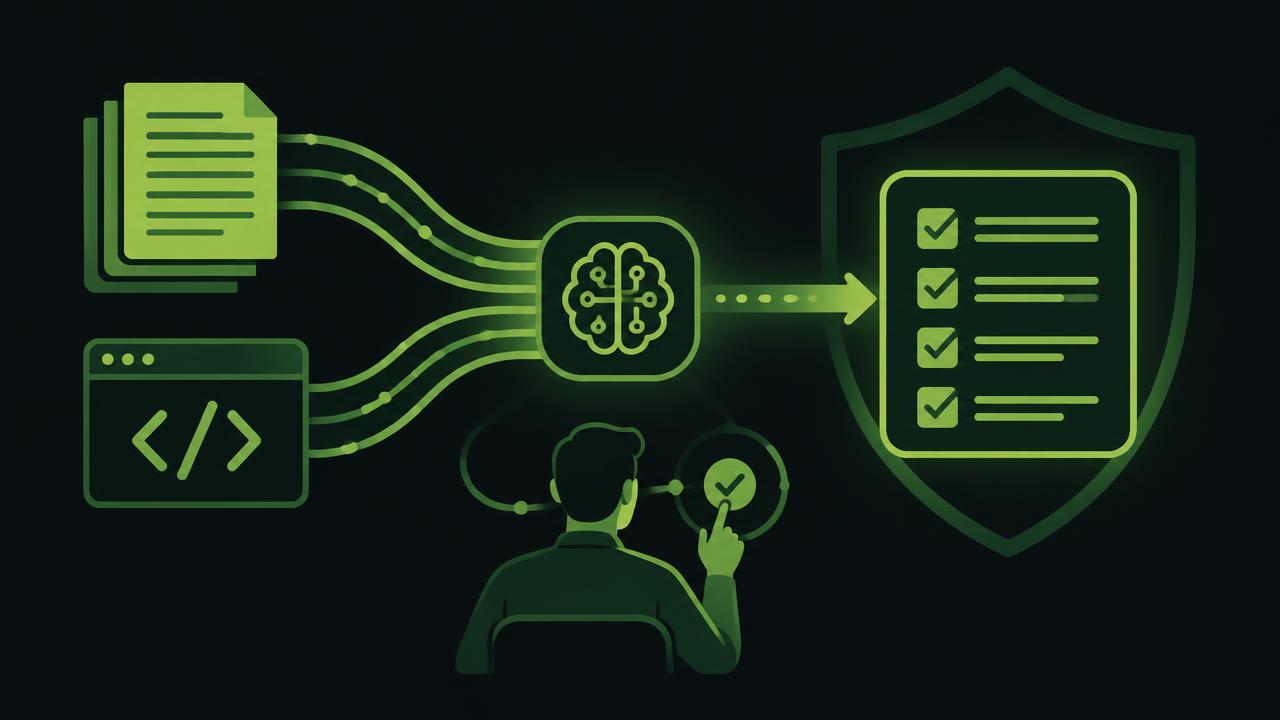
When the finance director says that approving incoming invoices is falling behind, the IT manager usually already knows what follows: a specification, an estimate, waiting for development, testing and another round of changes. In Business Central, a solution does not have to start with a twenty-page technical document. It can start with a clear business request: “We want an invoice above a certain amount not to be posted until the project lead and finance approve it, with a trail of who decided and when.”
That is a significant change in how an ERP is customised. AI can speed up the understanding of the request, the solution proposal and the writing of AL code, but it must not become an uncontrolled path to production. A good model combines the speed of an AI assistant with the review of an experienced consultant, a test environment and clear approval rules.
Where standard Business Central stops being enough
Business Central brings a strong foundation for the general ledger, receivables and payables, purchasing, sales, inventory, fixed assets, projects, budgets and dimensions. For many companies that is a big step forward compared to separate spreadsheets, e-mail approvals and manually stitching data together at month end.
Still, the standard processes rarely fully match the way a specific organisation works. A manufacturer may want a purchase request to automatically check the project budget. A service company may require every incoming invoice to be linked to a contract, a project and a cost centre. An organisation funded through donor projects may have to split costs by funding source, activity and programme, and then prepare reports without manually repacking data.
The problem is not that the standard lacks every single option. The problem appears when the business process is bent to fit the system only because development is too slow or too expensive. That is when employees build parallel Excel records, approvals stay in e-mail inboxes, and finance spends time on checking instead of analysis.
Customising Business Central starts in business language
Traditional development often expects the user to describe screens, fields, tables and rules precisely in advance. That is not a realistic expectation of a finance director or a head of purchasing. Their job is to know the process, the risk and the result they need.
An AI assistant can translate a business description into an initial functional proposal. If the user writes that they want an invoice to be routed for approval automatically based on the project dimension and the amount, AI can identify the relevant documents, propose workflow rules, the required fields and the points where posting is blocked until approval is complete.
It can then prepare the AL code for the extension. That does not mean the request is done the moment the code exists. On the contrary — that is where the part that protects the business begins: checking whether the rule works on all document types, what happens with a partial approval, who can undo a decision and how an exception is recorded.
The difference is practical. Instead of the first consulting workshop being spent translating a business problem into technical vocabulary, the team reaches a concrete proposal faster — one they can review and challenge.
Example: from invoice receipt to posting
Imagine a workflow for incoming invoices. The document arrives, either through manual entry or a connected e-invoice capture process. Finance checks the vendor, the amount, the date and the tax. If the invoice is linked to a project, the system requires the appropriate dimensions. If it exceeds a threshold or deviates from the purchase order, it is routed to the responsible person for approval.
Customisation can add several concrete controls: automatically suggesting dimensions based on the purchase order, blocking posting without a mandatory attachment, escalation when an approval is late, and a record of the decision with date, user and comment. The finance team no longer digs through inboxes to find out why an invoice was posted. The approval trail sits with the document.
The same principle matters when the process connects to legal obligations — for example receiving and processing structured e-invoices or preparing VAT reports. Local requirements should not be an extra manual step outside the ERP. They must be part of a controlled process, with clear statuses and responsibilities.
AI is not a replacement for responsibility
The biggest mistake is treating AI-generated code as a finished product. AI can quickly propose an object, a field, an event or business logic, but it does not inherently know your internal controls, contract exceptions, accounting policy or your specific division of authority.
That is why quality AI-supported development has several checkpoints. The business owner confirms the request and the expected outcome. AI prepares the analysis and a draft solution. The consultant checks the functional logic and the impact on existing processes. The development is deployed to a test environment, where key users walk through real scenarios before approving production.
It is especially important to test the edge cases. What if the dimension changes after approval? What if the invoice is reversed? What if a user is not allowed to see the project but must approve the cost? What if a data import bypasses the screen where the control was placed? Fast development without these questions can produce a faster problem.
HOLYERP uses exactly this approach: AI accelerates the analysis and the AL development, while consultants review, test and confirm every change before production. The goal is not to remove the expert from the process, but for the expert to spend less time on routine work and more on decisions that require experience.
Where the business benefits show up fastest
AI-assisted customisation has the greatest effect on requests that are clear, recurring or have well-defined rules. These can be additional fields and validations, automatic dimension filling, dedicated approval roles, extended documents, warnings, checklists and reports.
In finance, that often means fewer manual checks and a faster period close. For example, rules can warn the user when a document is missing mandatory analytics or when an amount exceeds the available budget. In purchasing, the system can distinguish a cost with a contract from an ad-hoc purchase and route them through different approval flows.
With projects, the greatest value comes from consistent dimensions. If the project, activity, fund and organisational unit are entered the same way on documents, the actual-cost report does not require subsequent data cleaning. AI can help implement those rules faster, but the company must define the dimensions and take responsibility for the data.
In reporting it is useful to automate data preparation, but not every analysis is a candidate for code. If the CFO asks for an unusual analysis once a year, it is often more rational to build a temporary report or use the existing analytical views. Development makes sense when it saves time month after month, reduces the risk of error or introduces a control that matters for the audit.
How to tell whether a request is ready for AI development
A good request does not have to be technical, but it must be concrete enough. The user should explain who starts the process, which document or data is the trigger, which decision is made and what must happen if the condition is not met. It helps to add two or three real examples from daily work.
Instead of “we need better invoice control”, it is more precise to say: “For purchase invoices above EUR 5,000 without a linked purchase order, we require the department director’s approval. Posting is not allowed until the approval is recorded.” Such a description gives AI and the consultant a solid basis for a proposal, an impact estimate and test scenarios.
It is also important to state openly what must not change. If existing posting rules, access rights or integrations must not be affected, that is part of the request, not a footnote. The quality of a customisation is not measured only by the new function, but also by whether the rest of the system keeps working reliably.
Speed is only valuable when it stays verifiable
Companies do not buy ERP development for the code. They buy it so the invoice reaches the right person, the cost lands on the right project, the manager sees reliable numbers and the control leaves a clear trail. AI can significantly shorten the path from a request to a tested solution, especially for frequent and clearly described changes.
But the best result is not the change released fastest. It is the change that finance understands, users accept, IT can maintain and the auditor can follow. When Business Central gets such customisations, the ERP stops being a constraint on the process and becomes a system the organisation can rely on as it grows.
Want to see how Holy BC Agent builds changes in your Business Central environment — with every step under control?