
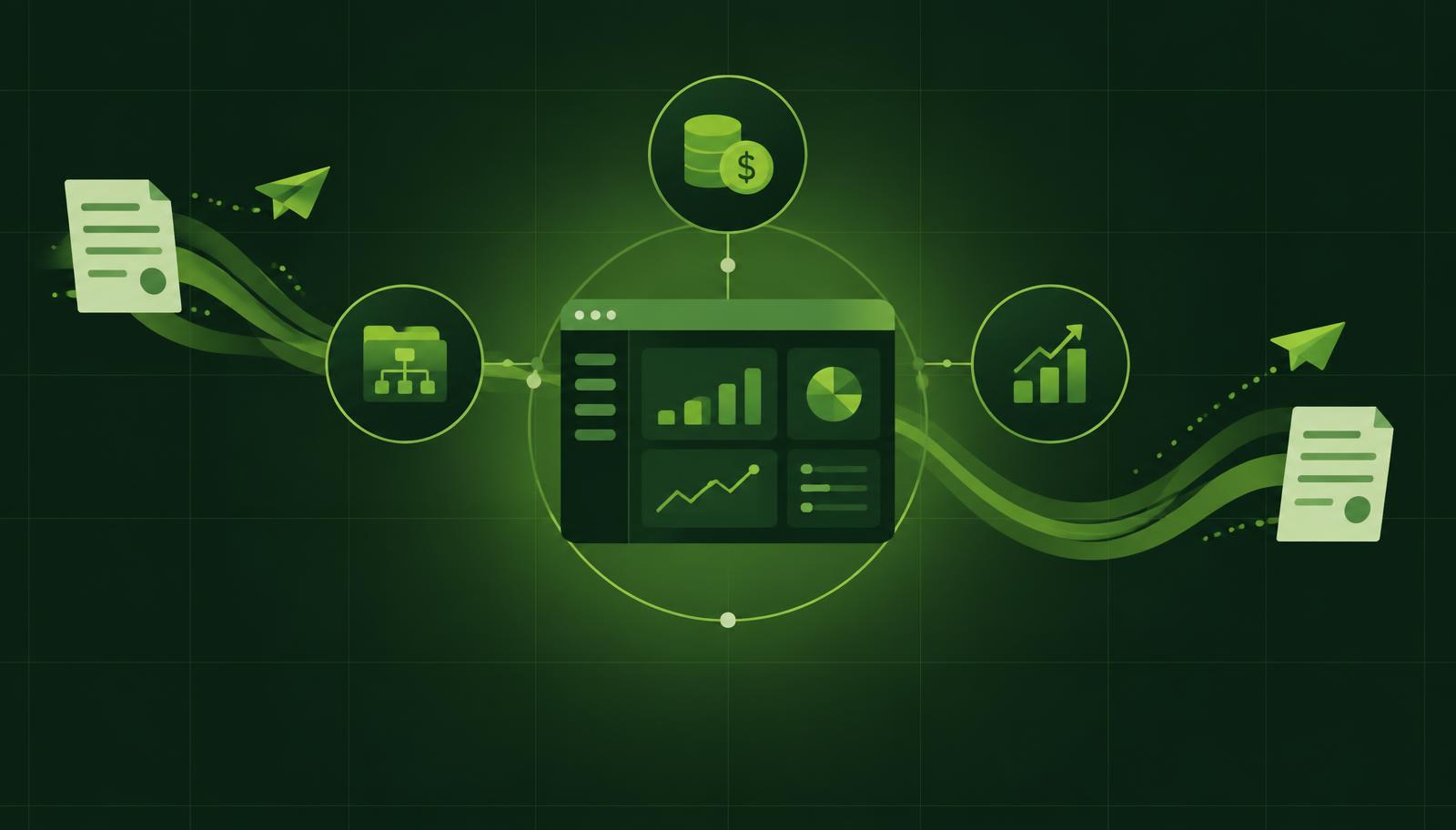
ERP usually becomes a topic only when finance cannot close the month without manual spreadsheets, purchasing has no reliable view of liabilities, and directors get different answers to the same question: what is the real margin, what is late and where is cash stuck. The problem is not a lack of data. The problem is that data is scattered across e-mails, Excel files, separate applications and the knowledge of a few employees.
A good ERP does not solve this by simply digitising existing forms. It establishes one unified process: a document is created once, passes a defined control, updates financial and operational records and leaves a trail that can be audited. For growing companies, that is the difference between managing by feel and managing on current data.
What an ERP really needs to connect
ERP is the central business system that connects finance with day-to-day operations. In practice, posting an invoice is not an isolated accounting task. It affects supplier liabilities, cash flow, the budget, the project, stock on hand, the cost centre and management reporting.
Microsoft Dynamics 365 Business Central is particularly well suited to mid-sized companies because it brings together the general ledger, customers and vendors, banks, fixed assets, sales, purchasing, inventory, projects and dimensions for analytics. Buying licences alone, however, does not fix operational gaps. The result depends on how processes are set up, what data users enter and whether the necessary adjustments are made for a clear business reason.
Imagine a company running several projects for different clients. When an employee logs hours, the system needs to know which project, activity and cost centre they belong to. When a subcontractor invoice arrives, it must be linked to the same project and approved by the responsible person. Only then can finance show the true project cost, and the director see whether the planned margin is at risk.
Without that link, a company may have a tidy general ledger but no reliable answer to which business actually delivers results.
Where the standard ERP ends and the process begins
The standard functions of Business Central cover a large part of operations. Yet almost every company has rules that differ from others: how indirect costs are allocated, invoice approvals above certain thresholds, commission calculation, budget control or a specific internal report format.
This is where a wrong choice between two extremes is often made. The first is to accept everything 'the way the system works', even when that introduces manual work outside the system. The second is to customise every detail, which slows the implementation, makes maintenance more expensive and harder for users to learn.
The practical rule is simple: use the standard when it supports a healthy, maintainable process. Customise when it solves a recurring problem with a measurable impact on time, control, revenue or cost.
An extra field on a document, for example, rarely justifies development on its own. But automatically recognising the cost type on an incoming invoice, proposing the account and dimensions, routing the document to the right approver and recording the complete approval trail can significantly cut processing time and errors. That is an adjustment that changes the workflow, not just the look of a screen.
What an ERP workflow finance can control looks like
It is most useful to look at ERP through concrete events rather than a list of modules. For an incoming invoice, a good process can look like this:
- The invoice is captured from an electronic source or uploaded into the system.
- The system recognises the vendor, amount, date, reference and line items.
- Account, VAT treatment, dimensions, project or purchase order are proposed based on previous rules and data.
- The responsible person confirms that goods or services were received and the cost is justified.
- Finance reviews the proposal, posts the document and gets a liability that is immediately visible in the payment plan.
In this process, automation does not mean the system makes every decision on its own. It removes routine, while control points stay where there is financial or operational risk. The director gets a view of pending invoices, the project lead sees the costs that belong to them, and accounting has clear evidence of who approved a document and when.
The same principle applies to sales invoices, travel orders, purchase requisitions and budget changes. A well-configured ERP does not shift responsibility from people to software. It makes responsibility visible and consistent.
AI changes the speed of customisation, not the need for control
The traditional ERP development model often starts with long specifications. The business user explains the need to a consultant, the consultant translates it into a technical requirement, the development team writes code, and the user only sees in testing whether the requirement was understood correctly. Every additional round of clarification extends the deadline and increases the price.
AI can shorten that path. A user can describe the need in plain language, for example: "When an incoming invoice exceeds 10,000 EUR, I want approval from the finance director before posting, unless a confirmed purchase order exists." AI can then analyse the request, propose a workflow, identify the required fields and prepare AL code for Business Central.
That does not mean AI understands business context flawlessly or that generated code should go straight to production. Especially in financial processes, a misread threshold, currency, document status or user right can have real consequences. That is why a sound AI approach includes three levels: a clear business requirement, testing in a separate environment and a review by an experienced consultant before the change is published.
HOLYERP applies this model through Holy BC Agent: Holy AI helps turn a request into a solution proposal and AL development, while consultants verify the logic, security, test scenarios and impact on the existing system. The company gets the speed of AI development without giving up professional responsibility.
How to tell whether you need a new ERP
A new ERP is not automatically the answer to every frustration. Sometimes the problem is poorly defined processes, inconsistent master data or a lack of training. Introducing a new system then merely moves the existing chaos to a new platform.
Change becomes justified, however, when clear signals appear: month-end close takes too long, key reports are built by hand, several teams keep their own version of the same data, approvals get lost in e-mails, or growth in projects, items and users brings a disproportionate amount of administration.
Before deciding, management should define a few measurable goals. That could be cutting month-end close from ten to five working days, reducing manual invoice entry, controlling the budget per project before the cost occurs, or having an accurate receivables overview every morning. Such goals help distinguish needed functions from wishes that sound nice but bring no business value.
Implementation without an endless project
A Business Central implementation can take eight to twelve weeks when the scope is realistically defined, data is prepared and decisions do not wait for weeks. That does not mean every company is ready for the same timeline. Manufacturing with complex warehouses, migrating large volumes of historical data or multiple connected systems can require longer work.
The biggest risk is usually not technology but indecision about basic rules. Who approves purchasing? Which dimensions are mandatory? When is revenue recognised? Who owns the customer, item and project master data? Answers to these questions should exist before special screens and reports are developed.
A good start is working with the core processes: finance, sales, purchasing, banks, approvals and the most important reports. After a stable start, the company can gradually introduce more advanced automation and targeted AI adjustments. That way users see the benefit earlier, and the team has real data on which to set the next priorities.
An ERP is worth as much as it speeds up good decisions and prevents bad ones before they become expensive. Start with the one process that today creates the most manual work or uncertainty, define the desired outcome precisely, and only then choose the function, automation or adjustment that delivers it.
See how Business Central would run your finance and project processes in a live demo.