
How long does Business Central take to implement? The honest answer on Business Central implementation timeline: for a standard scope, 12 to 18 weeks is realistic. Moving from Dynamics NAV (Navision), by contrast, is a separate and longer project that takes 2 to 8 months depending on the number of companies, customisations and historical data. This article explains why that distinction matters and which factors shorten or extend your schedule.
New implementation or migration: two different projects
Many timelines quoted in the market look contradictory because two project types get mixed up.
New implementation: your company currently works with other software, a bookkeeping tool or Excel lists. Business Central is set up fresh, processes are redesigned, and mainly master data, open entries and opening balances are migrated.
Migration from Dynamics NAV: you already use Navision, often for many years and with many customisations. Here the project also has to assess old customisations, replace them with standard features or new extensions, and often bring over historical data.
| Project type | Typical duration | Main drivers |
|---|---|---|
| New implementation, standard scope | 12 to 18 weeks | Process design, data quality, training |
| Migration from Dynamics NAV | 2 to 8 months | Number of companies, customisations, history |
Treating these two ranges as the same leads to plans that are either too tight or too loose. Details on the NAV path are in Migrate Dynamics NAV to Business Central.
What "standard scope" means
The 12 to 18 weeks apply to a project focused on the core areas of a mid-sized company:
- finance with chart of accounts, dimensions and closing reports,
- purchasing and sales with the document flow through to payment,
- inventory and item management within the usual range,
- bank connection and application of open entries,
- a few clearly defined interfaces.
More companies, countries, manufacturing processes or integrations extend the project accordingly. That is not failure; it is part of honest planning.
Seven factors that determine the timeline
1. Clear scope
The earlier the scope is agreed in writing, the more stable the schedule. New wishes during delivery are normal – but they should be assessed and planned deliberately rather than silently moving the deadline.
2. Number of companies and countries
Each additional company brings its own master data, reports and tests. Companies across Germany, Switzerland and Austria also need the right local expertise for taxes, e-invoicing, reporting and EUR/CHF workflows.
3. Amount of customisation
Business Central covers many processes out of the box. Every custom extension has to be developed, tested and maintained through updates. Fewer customisations almost always mean a faster, more stable project.
4. Data quality in the legacy system
Duplicate customers, outdated items and missing tax numbers surface only during migration. An early trial run shows how much clean-up is needed.
5. Key-user availability
Key users know the processes and must test and train – alongside their daily work. Without that time, testing and training slip.
6. Decision paths
When questions about the chart of accounts or approval processes stay open for weeks, the project stops. A project owner with decision-making authority is one of the most effective levers for a short timeline.
7. Choice of go-live date
Going live in the middle of year-end closing or the holiday season increases risk. The start of a month or quarter outside peak periods is usually the better choice.
How the weeks spread across phases
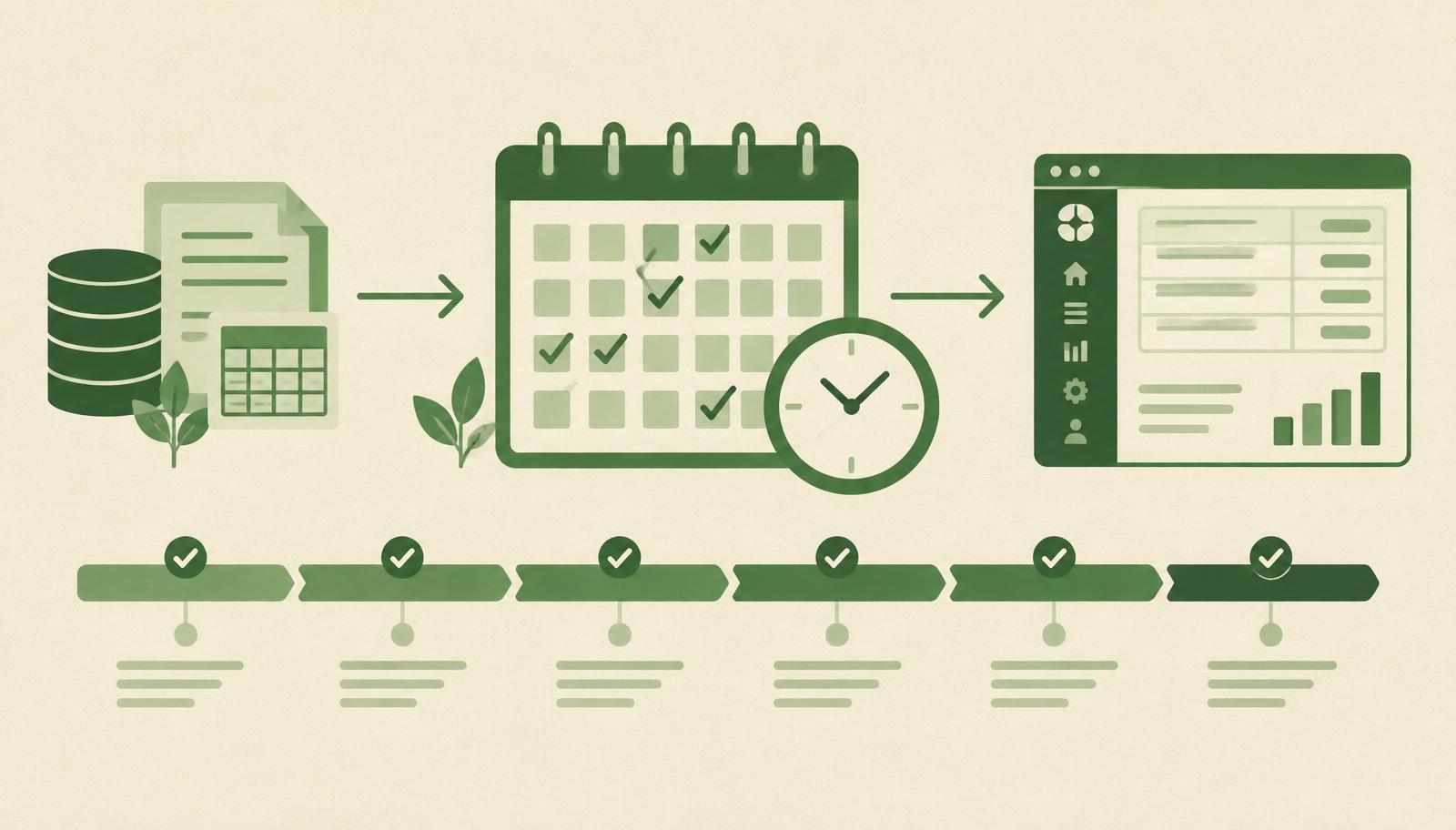
A new implementation typically runs through six phases: analysis, solution design, configuration, data migration, testing and training, and go-live with hypercare. The phases partly overlap – data clean-up, for example, can start during design.
Where most of the time goes varies from project to project. In practice it is rarely configuration or technology; it is agreeing target processes and testing with real cases. Teams that prepare well for those two phases gain the most time.
What happens after go-live also matters. The first weeks in production – the hypercare phase – belong to the project. Questions come up that never appeared in testing: special invoicing cases, the first month-end close, new users. Plan this support deliberately instead of declaring the project finished on go-live day.
Warning signs that your schedule is slipping
- The scope is still not signed off after the analysis.
- Key users cancel test sessions because of daily work.
- The first migration trial run keeps being postponed.
- Open questions stay undecided for more than a week.
If two or more of these apply, it is worth reviewing timeline and scope together before the delay grows.
How to shorten the implementation realistically
A project does not get faster through pressure, but through preparation:
- Write down the goals: what should be better after go-live? Faster month-end close, no parallel Excel lists, automated invoice intake?
- Standard first: check every requirement against standard Business Central first.
- Clean data early: start cleaning master data before migration begins.
- Free up key users: book fixed time slots for testing and training.
- Close phases properly: every phase ends with a sign-off before the next one starts.
Why projects still take longer
In conversations with companies we often hear the same concern: every partner promises a fast rollout, and in the end the project takes a year. Common causes are an unclear scope, mixing up new implementation and migration, and long waits when questions or errors come up.
That last point is underestimated. When a test case stops because of an error and the team waits days for an answer, the whole schedule moves. This is why HOLYERP uses the HOLY BC Agent – an integrated Holy AI assistant that enables fast diagnostics, planning of changes and resolving blockers without long waits for developers. Read more in Holy BC Agent: the Holy AI agent for Business Central support and AL development.
Timelines in international groups
For groups with companies in Germany, Switzerland and Austria, the question is whether all entities fit into the same schedule. That depends on the availability of local requirements, the number of interfaces and how much reporting can be shared.
HOLYERP implements Business Central for DACH companies using the available local functionality and clearly planned EUR/CHF workflows. Holy Document Capture automates incoming invoice reading, while Holy BC Agent supports improvement after go-live. Licences, implementation, training and maintenance come from one place.
Microsoft describes Business Central's features in detail in the official documentation on Microsoft Learn.
Conclusion
The Business Central implementation timeline for a standard scope is 12 to 18 weeks. A migration from Dynamics NAV is a separate project of 2 to 8 months. Keeping the two scenarios apart, fixing scope early, cleaning data in time and planning key-user capacity keeps the schedule far more reliable.
Want to know which timeline is realistic for your company? Send a question to HOLYERP and we will discuss scope, companies and the right approach.