
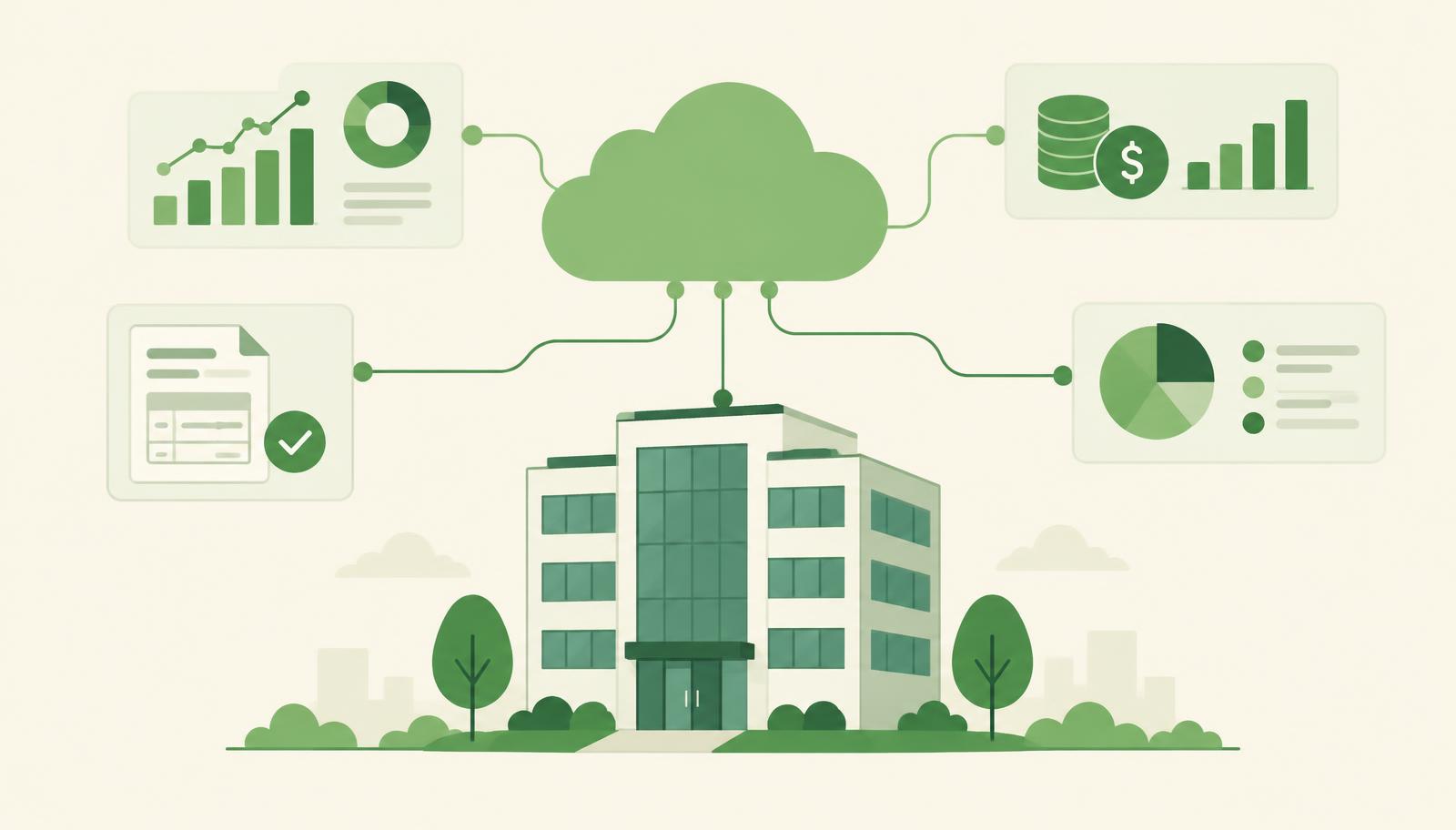
A cloud ERP for mid-sized companies is business software that brings finance, purchasing, sales, projects and reporting into one system running in the Microsoft cloud instead of on your own server. For a company with dozens or hundreds of employees, it means one source of data instead of parallel spreadsheets and no servers or backups to maintain, provided the system is adapted to local rules in every country you operate in, such as e-invoicing through SEF, POPDV and the NBS exchange rate list for a Serbian entity.
Mid-sized companies are often stuck in the middle. They have outgrown simple accounting tools, yet large enterprise suites look too expensive and too slow to roll out. This guide shows when a cloud ERP makes sense, what it has to cover when you operate in Serbia, Germany or Switzerland, and what a realistic implementation plan looks like.
When a mid-sized company needs an ERP
The need for an ERP rarely arrives as one big decision. Small problems pile up instead:
- Incoming invoices are retyped from e-invoicing portals or email into the accounting tool.
- Budgets and project costs live in Excel, so the numbers differ depending on who built the sheet.
- Management reports are late because data is merged by hand from several systems.
- Every regulatory change means a new manual step or an urgent fix by a developer.
- The company grows – a new location, a new legal entity or a subsidiary abroad – and the current tool cannot keep up.
If you recognise two or more of these, it is time to think about an ERP rather than another spreadsheet.
The cost of this situation never appears on a single invoice. It hides in the hours your finance team spends reconciling, in decisions based on week-old data and in errors that surface only at year-end closing. So the real question is not whether an ERP is a big investment, but how much it costs to keep going without one.
Cloud or on-premise
With an on-premise installation, the company buys and maintains the server and takes care of backups, security patches and upgrades. With a cloud ERP, the platform vendor takes over all of that.
| Question | On-premise | Cloud ERP |
|---|---|---|
| Server and backups | Your responsibility | Handled by Microsoft |
| Upgrades to new versions | A separate project | Regular, scheduled updates |
| Access outside the office | VPN and extra setup | Through the browser and apps |
| Upfront investment | Hardware and infrastructure | License subscription |
| Local compliance | Depends on the partner | Depends on the partner and localization |
The last row is the key one: the cloud alone does not solve local regulations. The platform gives you a stable foundation, while the localization and the partner decide whether the system works with each country's e-invoicing and tax rules.
What a cloud ERP must cover in Serbia
Microsoft Dynamics 365 Business Central is a cloud ERP built for small and mid-sized companies. The standard version covers finance, purchasing, sales, inventory and projects; you can find the functional overview in the Microsoft Business Central documentation. If your group has a Serbian entity, it also needs a Serbian localization:
SEF and e-invoices
Outgoing and incoming e-invoices should be exchanged with SEF, the Serbian e-invoicing system, directly from the ERP, without manual uploads through the portal. Read more in SEF without the portal.
POPDV and the chart of accounts
VAT records and the POPDV form should follow from postings, not from a separate spreadsheet at month-end.
NBS exchange rates
For companies trading internationally, exchange rates from the National Bank of Serbia should be imported automatically so that exchange rate differences are correct without manual entry.
Incoming invoices from email
Invoices arriving by email should be captured automatically and prepared for posting instead of being retyped.
For a detailed overview of these requirements, see Business Central Serbian localization: what it must cover.
Common myths about cloud ERP
"The cloud is only for small companies." Business Central is built for small and mid-sized companies and supports multiple legal entities, currencies and locations. The limit is usually not the platform but how well the processes are set up.
"Data in the cloud is less secure." On-premise, security depends on how regularly your team patches the server and checks backups. In the cloud, Microsoft takes over those tasks, and you manage user permissions inside the system.
"Moving to the cloud means giving up customisation." Business Central is extended with extensions, so company-specific processes can be supported without changing the core system. That also makes regular updates easier, because customisations stay separate from the standard code.
"The rollout will take a year." For a standard scope, a realistic timeframe is 12 to 18 weeks. Projects with many customisations, or a migration from an old Navision system, take longer, and you should know that at the start, not discover it halfway through.
How long implementation takes
For a standard scope, a Business Central implementation typically takes 12 to 18 weeks. A migration from an old Dynamics NAV (Navision) system is a separate, longer project and takes 2 to 8 months, depending on the number of companies, customisations and historical data.
Typical phases:
- Process analysis – how you handle purchasing, sales, posting and reporting today.
- Setup and localization – chart of accounts, VAT, e-invoicing, dimensions for projects and cost centres.
- Data migration – customers, vendors, items, open entries and opening balances.
- User training – by role, on your own data.
- Go-live and support – the first closing periods with the team at your side.
The phase plan is described in more detail in Business Central implementation in Serbia: the plan.
How to choose a cloud ERP and a partner
Before you decide, ask yourself and every vendor these questions:
- Is the localization for each of your countries part of the solution, or does it have to be developed separately?
- Who maintains the system when regulations change, and how quickly do updates arrive?
- What does support look like when something gets stuck: how long do you wait for a developer?
- Can the system track costs by project and dimension without Excel?
- Does one partner provide licenses, implementation, training and maintenance, or will you coordinate several firms?
The answers tell you more than a feature list, because integrations, regulatory changes and waiting for support are what consume a mid-sized company's time.
How HOLYERP approaches cloud ERP
HOLYERP delivers Microsoft Dynamics 365 Business Central in the cloud with a complete Serbian localization: direct SEF integration for incoming and outgoing invoices, automatic capture of invoices from email, POPDV preparation and the NBS exchange rate list. As a Microsoft partner and part of the Holycode group, we serve companies in Serbia, Germany and Switzerland and provide licenses, implementation, user training and maintenance aligned with regulatory changes.
For fast diagnostics and resolving blockers we use HOLY BC Agent, an AI assistant that helps understand a problem and plan a change without long waits for developers. Read more in Holy BC Agent.
Summary
- A cloud ERP gives a mid-sized company one source of data, without servers or manual upgrades.
- Local compliance is decisive: for a Serbian entity that means SEF, POPDV, NBS exchange rates and automated incoming invoices.
- A standard Business Central implementation takes 12 to 18 weeks; a Navision migration is a separate, longer project.
- Choose a partner that covers licenses, implementation, training and maintenance when regulations change.
Want to see how Business Central would work with your processes?