
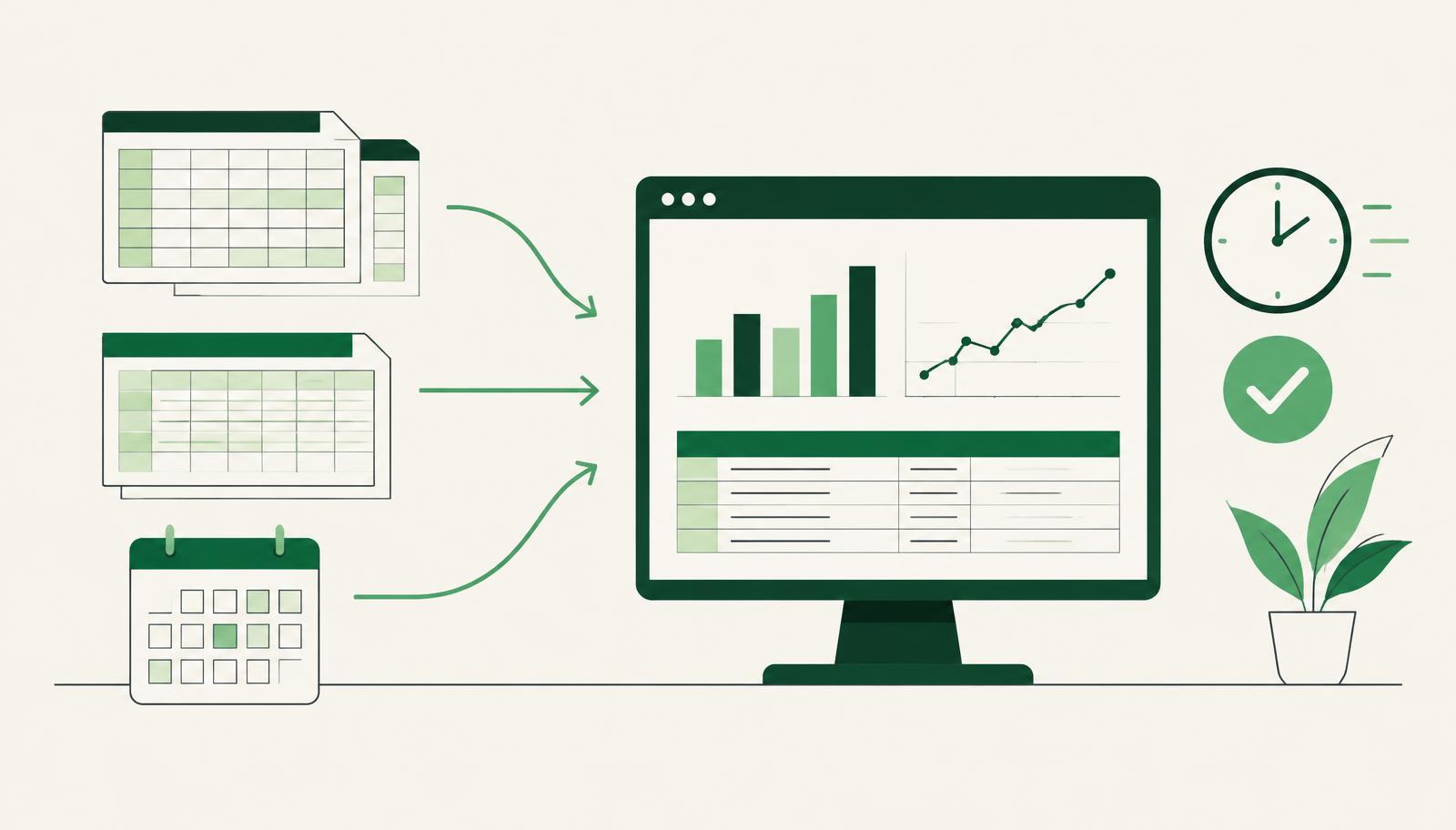
Business report preparation in many companies still follows the same pattern: exports from several systems, spreadsheets merged in Excel, totals checked by hand and a few rounds of corrections before the report reaches management. If your team recognises itself here, the problem is rarely the people or Excel. It is that your data has no single place where it is correct, current and connected. This article shows how to measure what reporting really costs you and what you can change.
Why preparing reports takes longer than analysing them
A management report should start a conversation about decisions. In practice, most of the time goes into the work that comes before that conversation:
- Collecting data from several sources – sales in one tool, costs in accounting, purchases in email threads, the budget in a separate spreadsheet.
- Reconciling figures – when two sources show different amounts for the same period, someone has to find the difference.
- Waiting for the books to close – incoming invoices arrive late, bank statements are posted with a delay, exchange rate differences are not yet calculated.
- Repeating the same steps – every month the same formula, the same pivot table, the same manual adjustment.
- Versions and corrections – "Report_final_v3_corrected.xlsx" is a symptom, not a solution.
The result: the finance team spends days assembling the picture, and management gets the numbers after the decision should already have been made.
How to measure how much time you lose
Before you change anything, know your starting point. For one monthly cycle, record the following:
| Activity | What to record | Warning sign |
|---|---|---|
| Data collection | Number of sources and hours spent exporting | More than two sources for the same report |
| Reconciliation | Number of differences and time spent finding them | The same differences every month |
| Manual adjustments | Number of manual entries in the spreadsheet | The same adjustments every period |
| Waiting for data | Days from month end to closing | The report is late because of postings |
| Corrections after sending | Number of report versions | Management receives several "final" versions |
Add up the hours of everyone involved, not only the controller. Purchasing, sales and project managers often take part in report preparation, even though nobody tracks it as a cost. That total is the real price of your reporting and a solid basis for deciding what to automate first.
Where the losses actually happen
Data that is not created in the system
Most of the manual work does not happen in the report itself but earlier. If incoming invoices are retyped from PDFs, bank statements are matched to open entries by hand and exchange rate differences are calculated in a spreadsheet, the report can never be faster than the slowest of those steps.
Missing analytical tags
When costs are not tagged by project, department or location at the moment of posting, someone sorts them manually later. This is one of the most common reasons project profitability reports are still built in Excel.
A budget outside the system
Comparing plan and actuals takes a long time when the budget lives in a separate file. Every change to the plan means a new file version and another manual merge.
Reports that depend on one person
If only one colleague knows how the monthly report is put together, every holiday or sick leave becomes a risk for the deadline.
What changes when reporting lives in your ERP
The goal is not a nicer spreadsheet, but a report that is a result of posting rather than a separate project every month. In Microsoft Dynamics 365 Business Central this looks like this:
- One data source – finance, purchasing, sales, inventory and projects share one database, so figures do not have to be reconciled between systems.
- Dimensions at posting – every cost and revenue gets a project, department or other analytical tag when it is entered, so a report per project needs no manual sorting.
- The budget in the system – the plan is entered by account and dimension, and deviations are visible immediately.
- Financial reports and analysis – standard and custom views refresh from posted data, and data can be opened in Excel or connected to Power BI when needed (see the Microsoft documentation on business intelligence and reporting in Business Central).
For companies in Germany, Switzerland and Austria, reliable invoice intake is a practical starting point. Holy Document Capture receives invoices from email and helps extract document data with Holy AI inside Business Central. Your finance team reviews the proposed entries before posting. Combined with bank reconciliation, exchange rate handling and consistent dimensions, this reduces manual preparation before the month-end close. Read more about how one system connects finance and projects in ERP for finance, projects and company growth, and about invoice intake in Automatic incoming invoice processing in your ERP.
A five-step plan for faster reporting
You do not have to change everything at once. The order that works best in practice:
- List the reports you actually use. Some reports are often prepared out of habit, and nobody reads them.
- Define the key indicators. Management usually needs only a few numbers: revenue, margin, costs by cost centre, liquidity and deviation from budget.
- Clean up the data source. Introduce dimensions that match how management looks at the business and agree on posting rules.
- Automate the input. Invoice intake, bank statements and exchange rate differences should be posted without retyping, because only then can the report be ready soon after month end.
- Only then build reports and dashboards. A good-looking view on top of poor data only shows the wrong numbers faster.
Common mistakes when automating reports
- Buying a visualisation tool before fixing the data. A dashboard does not stop anyone retyping invoices.
- Too many reports. Every new report is also a maintenance obligation.
- Parallel records "just in case". If the team keeps an Excel file next to the ERP, the savings disappear.
- Neglecting training. Users who do not know how to filter and export data go back to their old spreadsheets.
- Forgotten regulatory changes. When regulations change and the system is not updated, manual adjustments return. That is why ERP maintenance has to follow legal changes.
What each role gains
- The CFO gets the numbers earlier and can focus on deviations instead of totals.
- Accounting retypes less and faces fewer differences at month end.
- Project managers see their project costs without waiting for an export from finance.
- Management gets one version of the truth, so meetings start with a decision rather than a debate about whose number is right.
When is the right time to change
Signs that reporting has outgrown spreadsheets: the monthly report is late by more than a few days, the same differences are investigated every month, management does not trust the numbers without an extra check, or the company is growing and adding projects, locations or legal entities. If you are planning a rollout, it helps to know that a Business Central implementation for a standard scope typically takes 12 to 18 weeks.
Conclusion
Business report preparation does not have to take days. Time is not lost in the report itself but in manual entry, reconciliation and data that is not created in one place. When invoices, bank statements, exchange rate differences and analytical tags are posted in the ERP, the report becomes an overview, not a project.
Would you like to see what your monthly report would look like in Business Central? Send us a question and we can discuss, using your own example, how many steps you could skip.
Ready to prepare your monthly reports faster with Business Central?